When OpenClaw dropped, our team at Phala knew immediately that something significant had landed, a genuinely capable AI assistant that remembers context, executes multi-step tasks, browses the web, writes and runs code, and orchestrates workflows across dozens of tools. The kind of AI that, if you could actually get it running, would change how you work.
The catch? Actually getting it running.
What OpenClaw Gets Right
OpenClaw is an open-source AI agent platform that runs on your local machine. It acts as a gateway, connecting chat applications like WhatsApp or Slack to large language models. Unlike typical chatbots that simply respond and forget, OpenClaw is designed to remember and to act. It maintains persistent memory across sessions, connects to external services, executes terminal commands in a sandboxed environment, automates browser tasks, and handles complex, multi-step workflows with minimal hand-holding.
For people dealing with repetitive, high-context work—such as processing inboxes, synthesizing research, managing multiple project pipelines, or coordinating across various tools—an AI assistant for workflow automation like OpenClaw is a serious productivity multiplier.

The concept is compelling enough that it spread fast. Developers, founders, operations leads, and executives all saw the potential. Many tried to set it up themselves.
Most hit a wall.
The Problem No One Talks About Enough
The Setup Is Genuinely Brutal
Getting OpenClaw running is not a one-afternoon project. Even for experienced developers, standing up a reliable local instance — with all channels, skills, and dependencies working together — means navigating Docker configurations, YAML files, OAuth flows, API key management, and a dependency stack that can break in creative ways.
This isn't a criticism of OpenClaw as a project. Local-first, open tooling inevitably involves this kind of complexity. But for anyone who isn't a systems developer by trade, or simply doesn't have free weekends to debug infrastructure, the setup process is a hard stop.
And it doesn't end at setup. Local AI agents require ongoing maintenance. Models update. Skills break. API integrations need to be refreshed. Running OpenClaw locally can easily cost $100 per day or more in compute, and that's before accounting for the engineering time that goes into keeping it stable.
And that’s the irony: The people who could benefit the most from this kind of technology — people who need tools like OpenClaw for workflow automation — are usually the ones least likely to have the time and technical bandwidth to wrestle with it.
The Security Model Was Designed for a Different World
OpenClaw was built for a trusted local machine. That assumption starts to crack the moment you browse the web with it, install a community skill from ClawHub, or expose your instance to any network. Security researchers at Oasis Security and SecurityScorecard have documented critical vulnerabilities in local OpenClaw deployments, vulnerabilities that can allow full agent takeover from a browser tab. OpenClaw's own documentation describes this tradeoff as a "Faustian bargain." That's… a strong phrase. And honestly, accurate. A tool powerful enough to automate your workflows, with access to your files, your accounts, and your browser — running on infrastructure with known attack surfaces — is not something most professionals should run without serious caution.
The Clawdi team saw this gap as a massive market opportunity.
Clawdi: One-Click OpenClaw, Without the Risk
The Clawdi team’s mission was to solve these problems head-on. They envisioned a platform that would deliver the full power of OpenClaw for non-technical people, stripping away all the technical complexity and security risk.
Clawdi is a managed platform using Phala's confidential compute infrastructure. It gives you a fully functional, cloud-hosted OpenClaw agent in roughly 3 mins — no terminal, no configuration files, no Docker, no YAML.
Here's what that means technically, and why it matters:
It's the Full Tool, Fully Managed
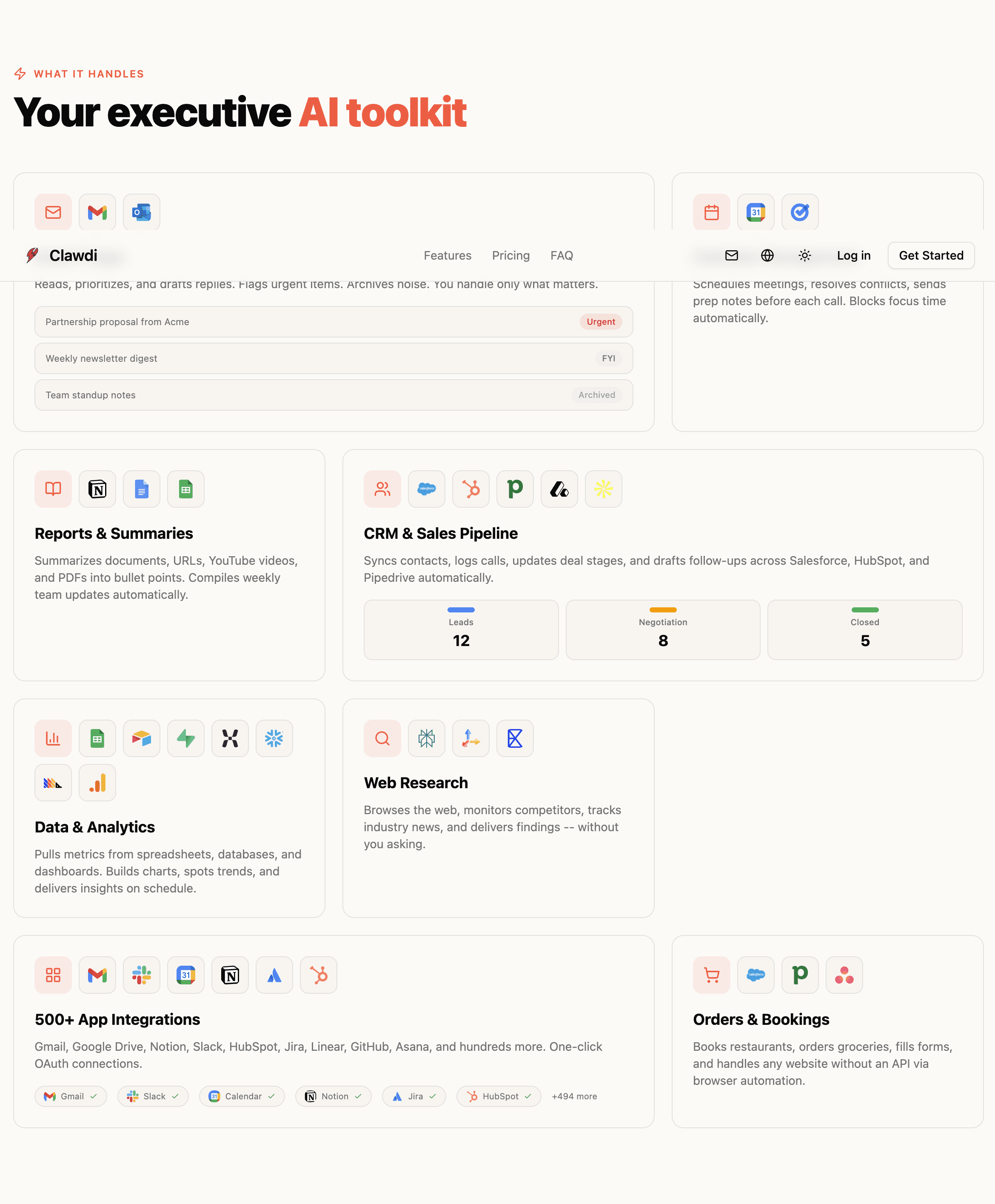
Clawdi isn't a simplified or stripped-down version of OpenClaw. You get the complete toolkit: web search, browser automation, file editing, terminal access (sandboxed), and the full skills system. The Clawdi team manages the model integrations, API keys, and infrastructure. Updates happen without breaking your setup, because you never had to configure a setup in the first place.
Each Agent Runs in Its Own TEE
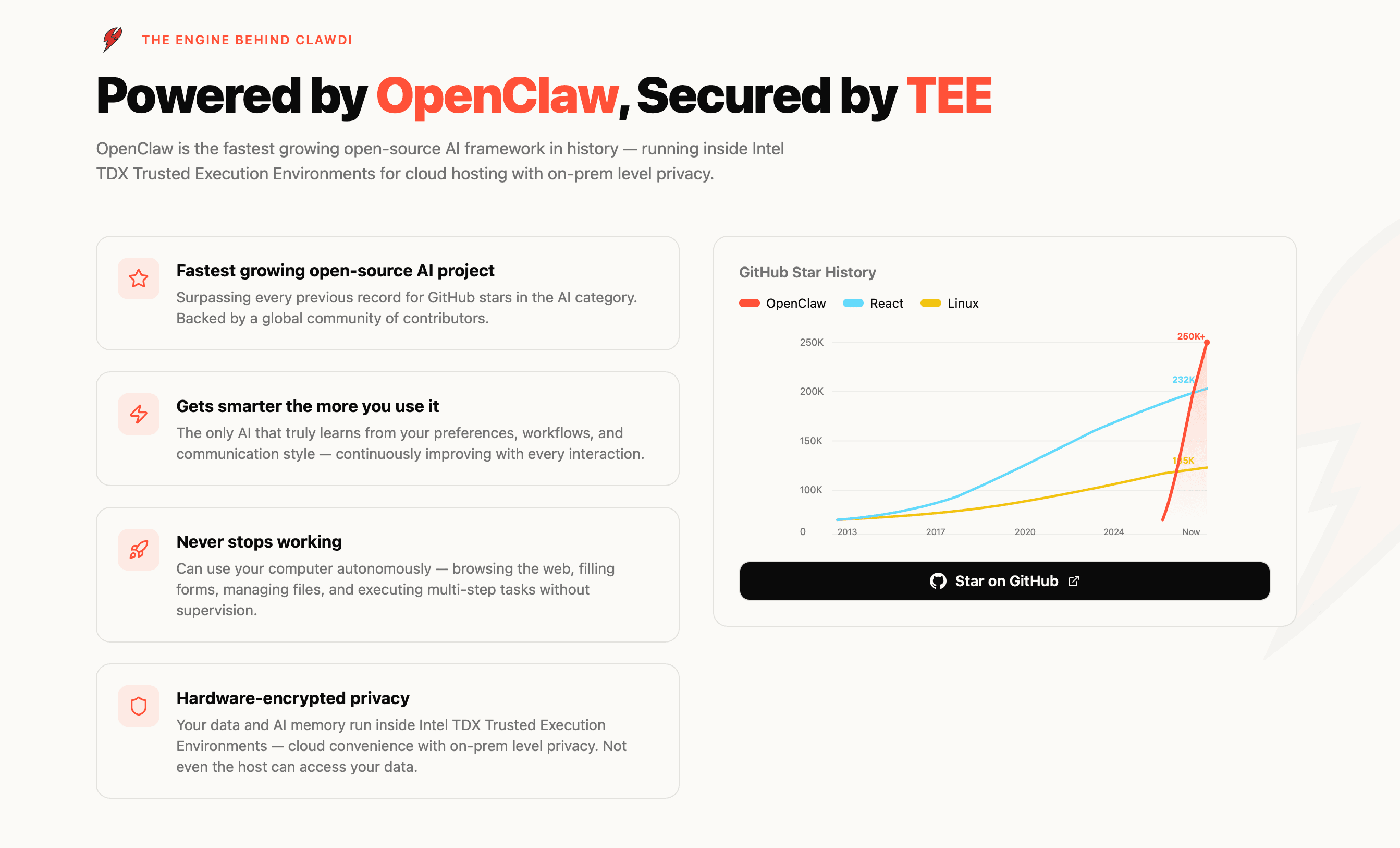
Every Clawdi instance is isolated inside its own TEE (Trusted Execution Environment). The agent gets a sandboxed file system and a sandboxed browser. It can process your documents, browse the web, and execute tasks — without any of that activity touching your local machine or being visible to Phala's infrastructure.
This directly addresses the two core risks of local OpenClaw: the attack surface that comes with running a capable agent on your personal computer, and the inherent trust problem of a cloud provider claiming your data is private. With TEE-backed attestation, the privacy guarantee is cryptographically verifiable. You don't have to trust us. You can just verify.
The Cost Structure Actually Makes Sense
Local OpenClaw at $100+/day in compute adds up fast. Clawdi is $29/month flat — more predictable, and accessible to individuals and small teams who don't have an infrastructure budget.
What Clawdi Actually Looks Like in Practice
Abstract capability is easy to pitch. Here's what Clawdi is doing for real users right now.
Product Management: From screenshot to ticket, no human in the loop. A product manager shares a screenshot of user feedback. Clawdi reads it, creates a structured product ticket, and assigns it to the right engineer — without the PM ever opening a project management tool. The entire triage loop that used to eat 30 minutes of context-switching now happens in the background.
Growth and Content Operations: Replies drafted, approved in seconds. Clawdi scans a target X timeline, reads the conversation context, and drafts account-specific replies — tailored to tone and thread — for review. The operator approves or edits, then posts. What used to require deep context-switching between tabs, accounts, and drafts collapses into a fast approval queue. The thinking is done; you just make the call.
Business Intelligence and Execution: Turning messy workflows into repeatable ops. From prospect scans to partner sync prep to metrics reporting, Clawdi handles the connective tissue that normally falls between tools. It pulls data, formats it, routes it, and surfaces what needs a decision. The work that used to require someone to hold everything in their head becomes a system that runs on its own.
None of these use cases required a developer to configure. None of them required a local install. The agent just needed to be told what to do.
Who Clawdi Is Actually For
The most important thing to understand about Clawdi is who it was designed to serve — and it's not developers who enjoy tinkering with local AI infrastructure.
Clawdi is built for:
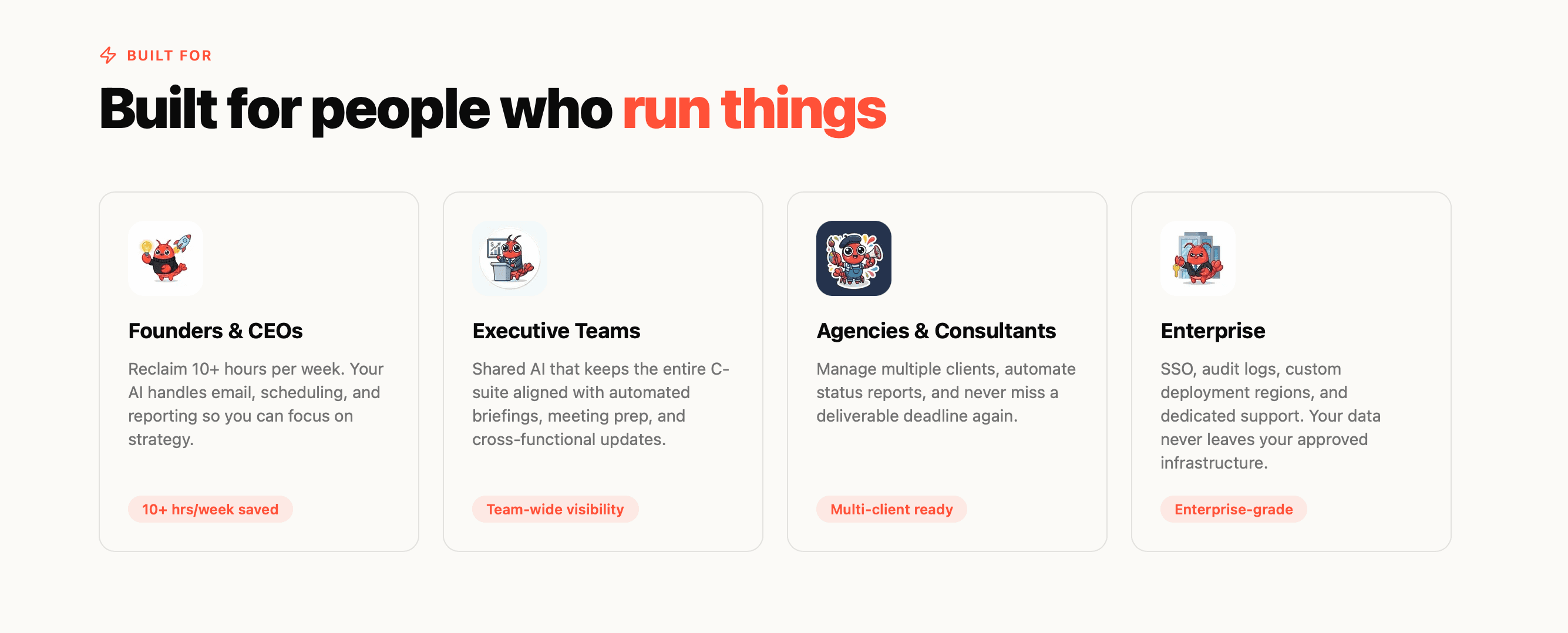
- Professionals with real workflow complexity who want AI automation without becoming infrastructure engineers
- Founders and operators who have evaluated OpenClaw and decided the setup cost isn't worth their time
- People with legitimate security concerns about running a powerful AI agent on their personal hardware
- Small teams and small businesses that want the productivity gains of agentic AI without a dedicated engineering hire
These are people who need an AI assistant that remembers — that picks up where it left off, that can coordinate tasks across tools, that learns from every interaction it has with you and gets smarter over time.
OpenClaw for non-technical people, done right, looks exactly like Clawdi: full capability, zero configuration overhead, security that doesn't require trust.